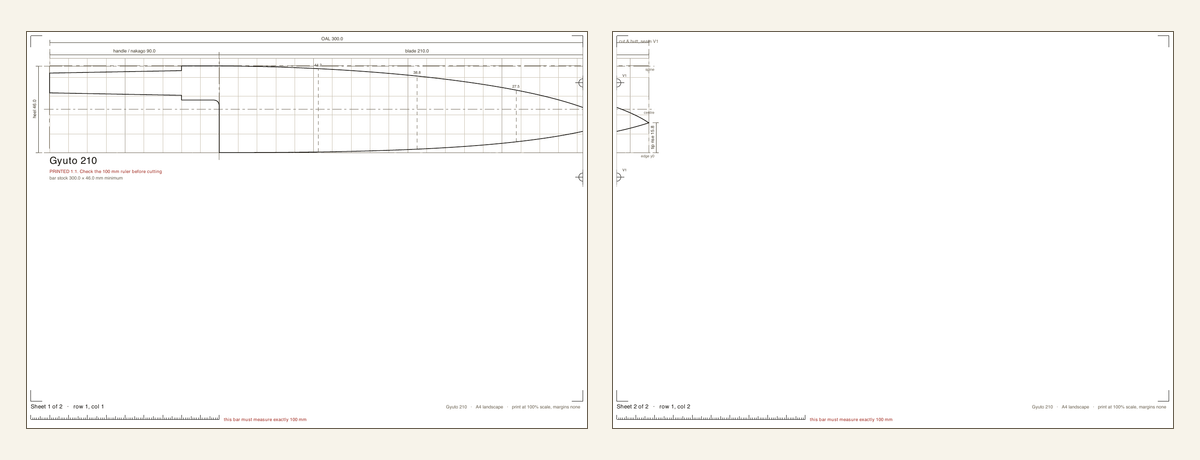
Use actual size
Choose Actual size, 100 percent or an equivalent setting in the print dialog. Do not use Fit to page, Scale to fit or Shrink oversized pages. Those settings change every dimension on the template.
Check the calibration ruler
Measure the printed 100 mm ruler with a reliable physical ruler or calliper. If it is not exactly 100 mm, stop and correct the printer or PDF settings before using the template.
Join tiled sheets
Large designs can be split across several sheets. Match the labelled join edges and registration marks, trim only where instructed, then tape the sheets without stretching or overlapping the drawing.
Check critical dimensions again
Paper movement, printer settings and workshop handling can introduce error. Confirm blade length, hole centres, tang dimensions and other critical measurements before transferring the outline to material.